> For the complete documentation index, see [llms.txt](https://docs.orchai.io/llms.txt). Markdown versions of documentation pages are available by appending `.md` to page URLs; this page is available as [Markdown](https://docs.orchai.io/user-guide/borrow.md).
# Borrow
The **Borrow Page** can be used to borrow tokens from Orchai. The protocol requires users to provide sORAI/scORAI as collateral before making a loan.
{% hint style="info" %}
Users can still earn sORAI rewards when using sORAI as collateral. To claim collateral sORAI reward, go to [My Page](/user-guide/my-page.md)
{% endhint %}
Borrows can be made until the loan's borrowing usage reaches the borrowing limit, calculated based on their prices, and deposit amount. Loans with a borrowing usage higher than the borrowing limit can be liquidated. Thus it is important for borrowers to closely maintain their borrowing usage as changes in collateral prices may occur.
The **Borrow** page displays:
* **Collateral Value:** Total value of all collaterals provided by the user.
* **Borrowed Value:** Total value of USDT borrowed by the user.
* **Available Borrow:** Total value of USDT that the user can borrow.
* **Borrowing Capacity:** Ratio value that signals the user loan position's liquidation riskiness. Calculated by dividing the user's borrowed value by their borrow limit.\
(B*orrow Limit = Borrowed Value + Available Borrow*)
* **Borrow APR:** Borrow annual percentage rate (APR) on borrows from both Interest APR and Distribution APR.\
(B*orrow APR = Distribution APR - Interest APR)*
* **Interest APR:** Current APR of borrow interest.
* **Distribution APR:** Current APR of ORCHAI distribution to borrowers.
When the Borrow APR is positive, ORCHAI rewards distributed to borrowers are greater than the interest to be paid for the loan
## **Providing collateral**
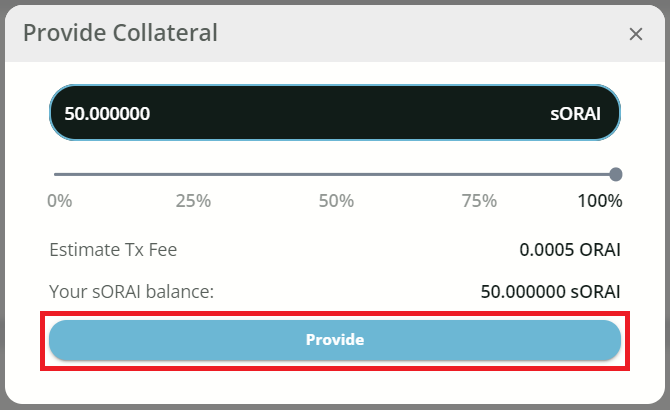
1\. Clicking **\[Provide]** to use sORAI/scORAI as collateral**.**
2\. Enter the amount of sORAI to provide. Click the **\[Provide]** button to confirm.
## **Borrowing USDT**
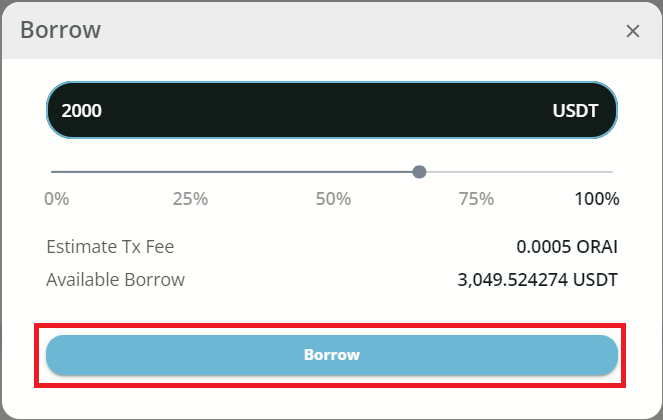
1\. Click **\[Borrow]**.
2\. Enter the amount of USDT to borrow. Click the **\[Borrow]** button to confirm.
3\. Borrow complete
## **Repaying borrowed USDT**
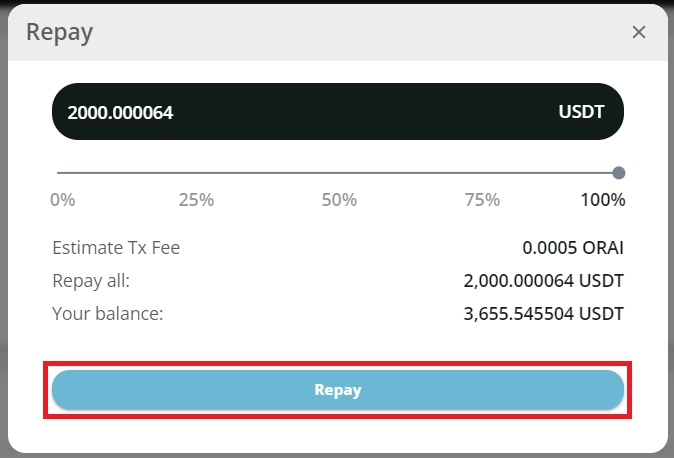
1\. Click **\[Repay]**.
2\. Enter the amount of USDT to repay. Click the **\[Repay]** button to confirm.
## **Withdrawing sORAI collateral**
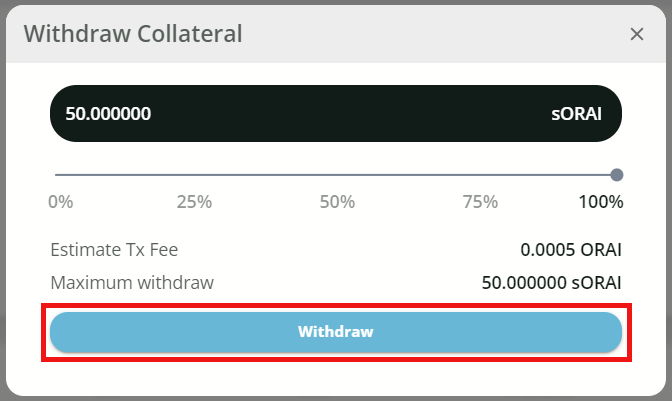
1\. Click **\[Withdraw]**.
2\. Enter the amount of collateral to withdraw. Click the **\[Withdraw]** button to confirm.
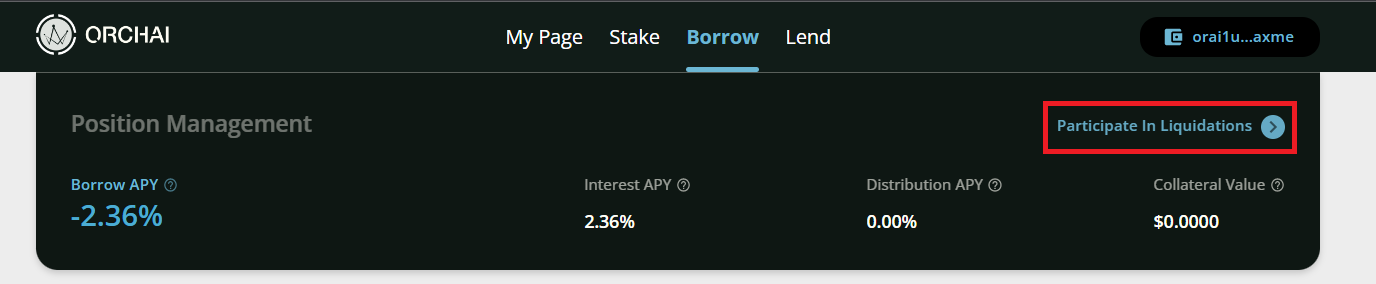
## Participate in Liquidation
1\. Clicking **\[Participate in Liquidation]** to be a liquidator.